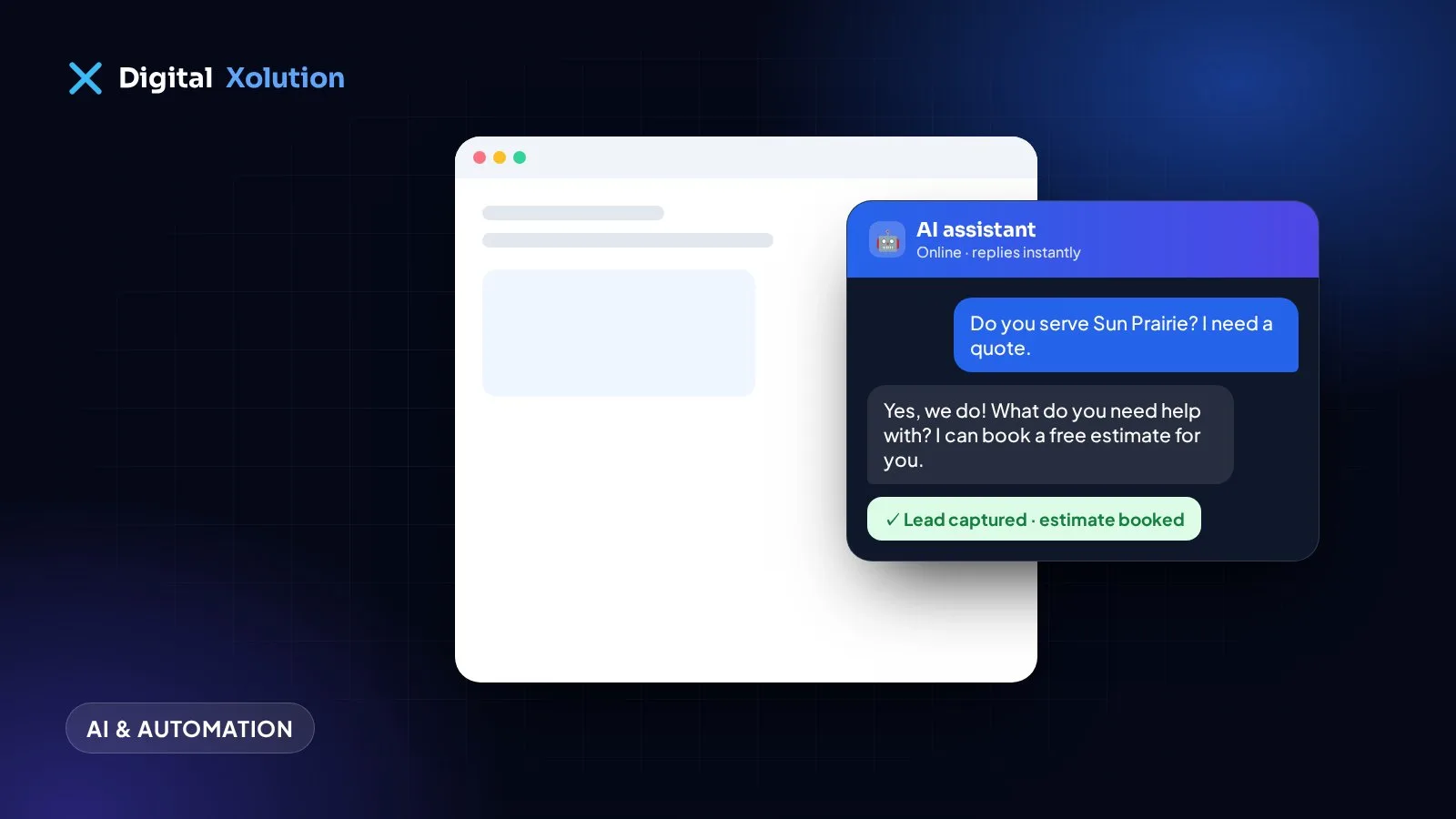
AI chatbots have improved a lot. The old chat widgets that only understood a few keywords have been replaced by AI assistants that can hold a natural conversation, answer questions about your business and collect leads at any hour.
But they aren't magic, and a badly set-up chatbot can frustrate customers. Here's an honest look at what an AI chatbot can and can't do for a small business.
What an AI chatbot can do well
Answer common questions instantly
Most businesses get the same questions every day: opening hours, service areas, prices, how long a job takes, what's included. A chatbot trained on your own information can answer these instantly, day or night, so customers don't leave your site to find answers elsewhere.
Capture leads outside office hours
Many people browse in the evening and at weekends. A chatbot can ask a few qualifying questions, such as what they need, where they are and when, and collect their contact details, so you start the next morning with leads instead of missed opportunities.
Book appointments
Connected to your calendar, a chatbot can offer available times and book appointments directly, then send a confirmation.
Qualify leads before they reach you
A chatbot can ask the questions you would ask on a first call, so you know which enquiries are worth calling back first.
Hand over to a person
A good setup knows its limits. When a question is complex or a customer asks for a person, the chatbot can pass the conversation to your team by email, text or live chat.
What an AI chatbot can't (or shouldn't) do
Replace your judgement on complex jobs
Detailed quotes, unusual problems and sensitive situations still need a person. A chatbot should collect the details and hand over, not guess.
Know things you haven't told it
It answers from the information you give it. If your prices, services or hours change and nobody updates the chatbot, it will give out-of-date answers. Keeping its knowledge current is part of running one.
Make promises you can't keep
Without clear limits, an AI can be too eager to please. Set it up so it never promises prices, dates or guarantees you haven't approved.
Fix a website that's hard to use
A chatbot can't make up for a slow site, a hidden phone number or confusing pages. Fix the basics first.
Chatbot or AI receptionist?
They solve related problems on different channels:
| AI chatbot | AI receptionist | |
|---|---|---|
| Where it works | Your website (and messaging apps) | Your phone line |
| Best for | Questions and leads from website visitors | Calls you can't answer |
| Typical result | A captured lead or booking | An answered call and a booked job |
Many businesses start with whichever channel loses them the most customers today. If most people call, start with an AI receptionist. If most people browse your site first, start with a chatbot.
How to set one up properly
- Collect your information: services, prices or price ranges, service area, hours, policies and your 20 most common questions.
- Write clear rules: what it can promise, when to hand over, and how to handle complaints.
- Connect your tools: calendar, email and CRM, so leads don't sit in a separate inbox.
- Test it like a customer: ask awkward questions and see how it responds.
- Review conversations monthly and improve the answers.
Is it worth it?
An AI chatbot is worth it when your website gets regular visitors, especially outside office hours, and you're losing enquiries because questions go unanswered. It's not a substitute for a good website or great service, but it makes both work harder.
Want an AI assistant trained on your business? We build AI agents and chatbots that answer customers, qualify leads and book appointments, with a clear hand-off to your team. Start with a free audit.