Websites rarely fail with a bang. A contact form quietly stops sending. A plugin update breaks the mobile menu. The security certificate expires and visitors get a scary warning. Often the owner only finds out when a customer mentions it, or when enquiries dry up.
A little regular checking prevents most of this. Here's what to do and how often.
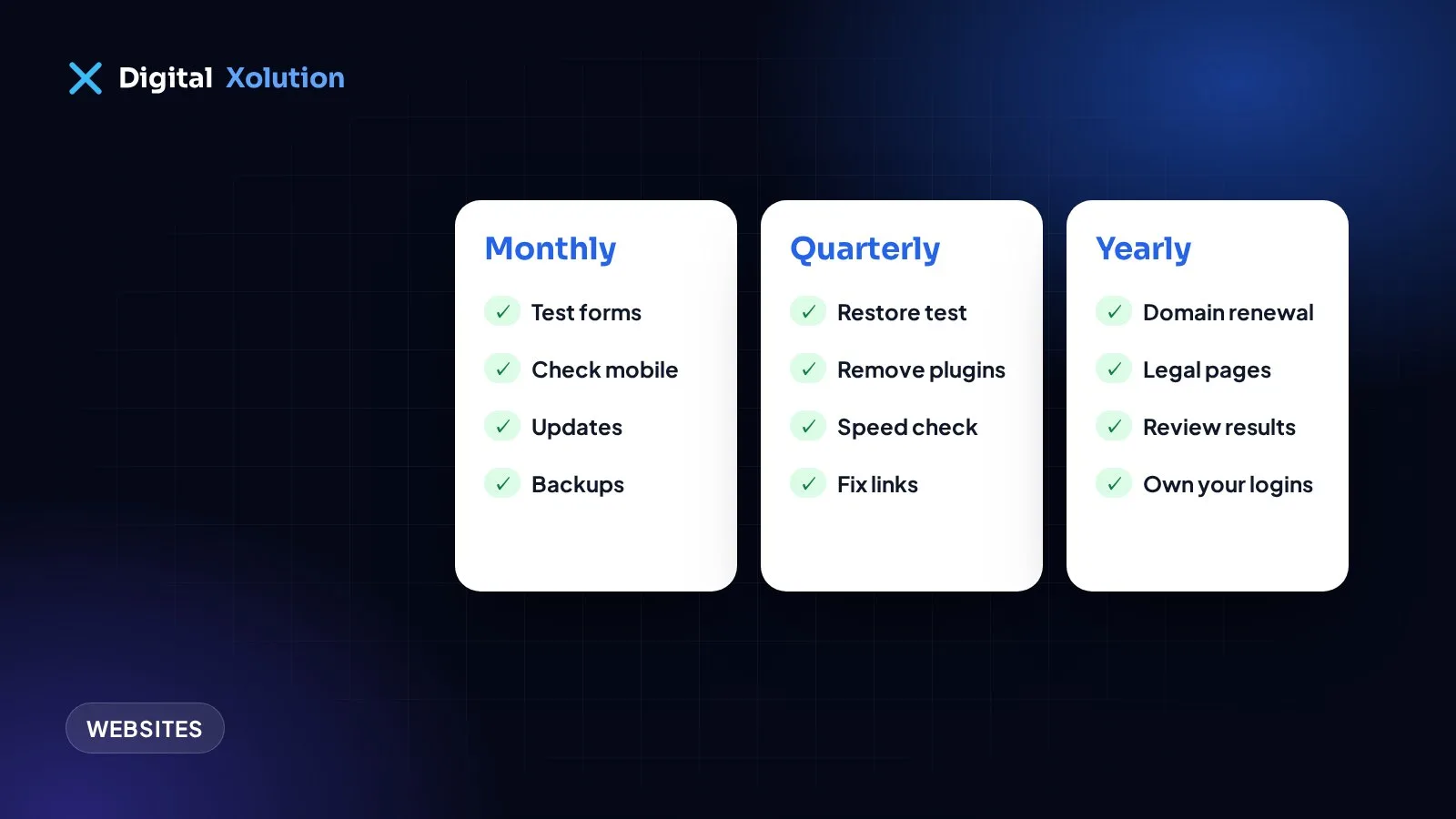
Every month (about 20 minutes)
Test your enquiry routes
- Submit your own contact form and confirm the message arrives
- Tap your phone number on a mobile and check that it dials
- Try the online booking or payment steps, if you have them
Look over the site on your phone
- Open the homepage and your top service pages
- Check that the menu works and nothing overlaps or looks broken
Install updates
- If you use WordPress or similar, update the core software, plugins and themes
- Take a backup first, and check the site afterwards
Confirm backups are running
- Check that the most recent backup is actually recent, and is stored away from your web server
Every quarter (about an hour)
Try restoring a backup. A backup you've never restored is only a hope. Ask your host or developer to test one, ideally on a copy of the site.
Remove what you don't use. Delete old plugins, themes and user accounts. Each one is something else to keep updated, and something else that could be attacked.
Review who has access. Remove former staff and old contractors. Make sure everyone has their own login and a strong password, with two-factor sign-in turned on where it's offered.
Check speed. Run your main pages through Google's free PageSpeed Insights and look at the mobile result. New oversized photos are a common cause of slowdowns.
Check Google Search Console. Look for pages that can't be indexed, errors, and any security or manual action notices.
Find broken links. Run a free link checker, and pay special attention to links to your own service and contact pages.
Update your content. Add recent jobs, reviews and photos. Remove staff who have left and services you no longer offer.
Every year (an afternoon)
Check your domain and hosting renewals. Confirm your renewal dates, turn on auto-renew, and make sure the billing email and card are current. Most importantly, make sure the domain is in your name and that you can log in to the account.
Review your legal pages. Make sure your privacy policy matches what the site does today, including forms, analytics and cookies. Ask a professional if you're unsure.
Compare your site with your business. Have your prices, services, service area, hours or address changed? Do they match your Google Business Profile?
Review your results. Look at visits, calls and form submissions. Which pages bring enquiries, and which ones nobody reads?
Ask whether it still fits. If updates keep breaking things or the design looks dated, read our signs your website needs a redesign.
Warning signs that shouldn't wait
Deal with these the same day:
- A browser "not secure" or dangerous site warning
- Pages you didn't create, or links to strange products
- A sudden drop in enquiries
- The site redirecting visitors somewhere else
- A security email from your host or Google
Contact your host or developer, and change your passwords from a device you trust.
A simple way to keep on top of it
Put one recurring reminder in your calendar for each of the three lists, and name one person as responsible. Keep your logins in a password manager, and keep a short note of who hosts the site and where the domain is registered. That note can save days when something goes wrong.
Rather not think about it? Our cloud, DevOps and maintenance service can handle the updates, backups and monitoring for you. If you want to know where your site stands first, request a free audit.