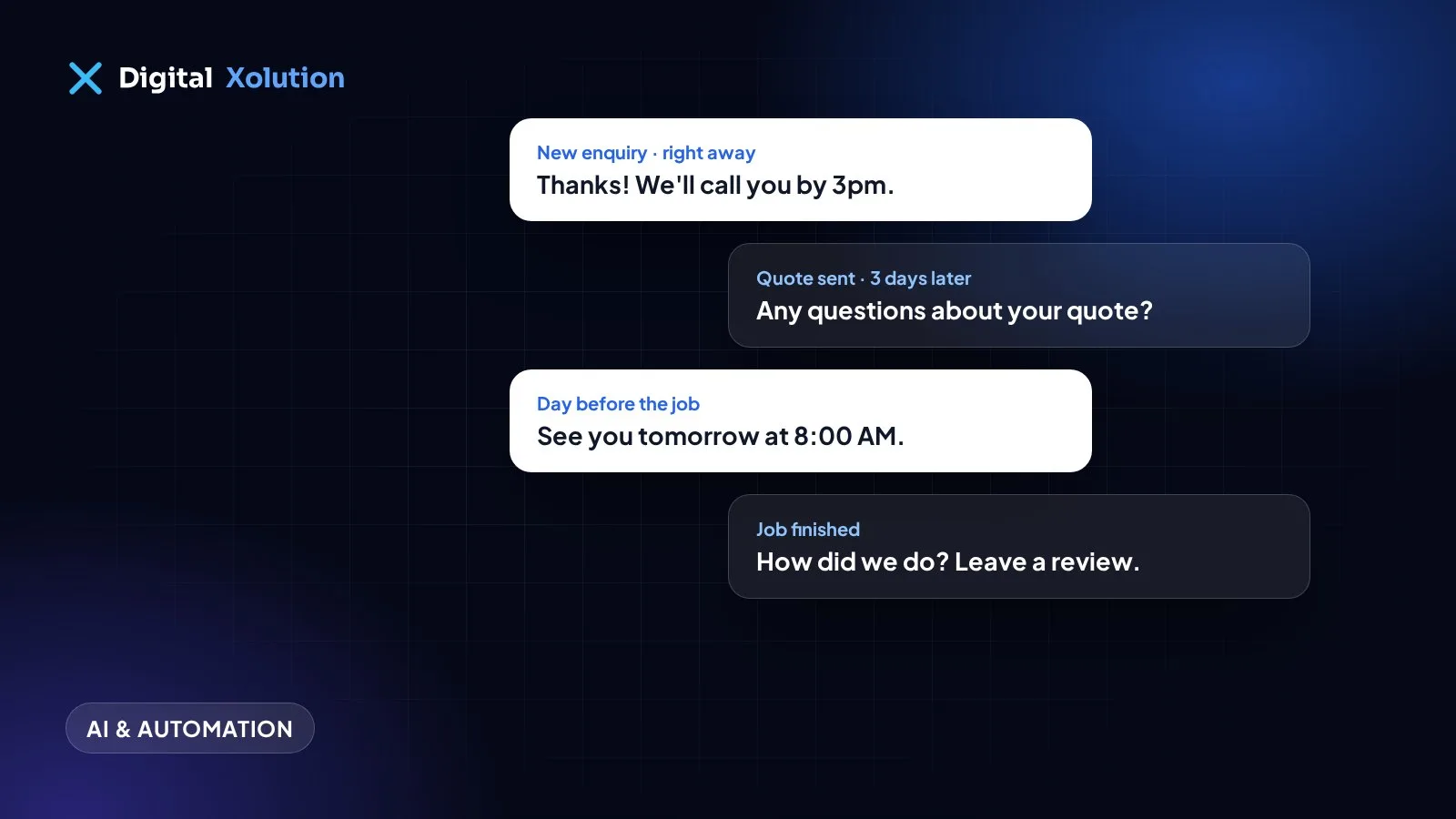
Most small businesses don't lose jobs because they did poor work. They lose them because a quote went out and nobody chased it, or an enquiry sat in an inbox until Monday.
Nobody forgets on purpose. You're busy doing the work. That's what makes follow-ups a good place to start with automation: the steps are simple, they repeat, and they're easy to forget.
Start with these five follow-ups
1. The instant reply to a new enquiry
When a form comes in, send a reply straight away and alert whoever handles it.
Thanks, Sarah. We've got your request about the water heater. Mike will call you by 3pm today. If it's urgent, call us on (608) 555-0100.
Only promise a time you can keep.
2. The quote reminder
Quotes often go quiet because the customer got busy, not because they said no. Send a reminder a few days after the quote, and another a week later.
Hi Sarah, just checking you received the quote we sent on Tuesday. Any questions, or anything you'd like changed? Happy to go through it by phone.
Stop the reminders as soon as they reply or accept.
3. The appointment reminder
Send one the day before, with the time, who is coming and how to reschedule. A reply like "need to move this" costs far less than a wasted trip.
4. The review request
Ask soon after the job is finished, while it's fresh. Include a direct link to your Google review page. Ask every customer, not just the happy ones, because Google's policies don't allow filtering for positive reviews. Our guide to getting more Google reviews has the details.
5. The check-in for repeat work
If your work repeats, such as servicing a furnace once a year or cleaning teeth every six months, schedule a reminder when it's due. Your best new job is often an old customer.
How to keep it sounding human
- Write like you talk. Read each message out loud. If you wouldn't say it, rewrite it.
- Use real details. The name, the service and the date matter more than clever wording.
- Make replies go to a person. Never send from an address nobody reads.
- Keep it short. One question or next step per message.
- Stop when they respond. Nothing feels more robotic than a chaser sent after someone has already said yes.
What you need to set it up
You may already have most of it. Many CRMs and field service tools include follow-up features. Check those before you buy something new.
If your tools don't connect, a connector such as Zapier or Make can pass information between them. Use a custom build when your process is unusual or you've outgrown those tools. Whatever you use, you need one place that records each customer's status. Automation can't work from sticky notes.
The rules to get right
Automated messages still have legal requirements, so check what applies to you:
- Texts: in the US, marketing texts generally need the customer's prior written consent, and they must be able to opt out. Business texting usually also needs registration through your provider.
- Emails: marketing emails need an unsubscribe option and your business address.
- Opt-outs: honour them immediately, and make sure your system remembers them.
Job-related messages and promotions can be treated differently, so ask a professional if you're unsure. And keep customer data only in tools you trust.
Where to use AI, and where not to
AI can draft replies, sort enquiries and summarise calls. It's useful, but start with simple rules first. Keep a person involved for complaints, refunds, pricing exceptions, and anything sensitive. Don't let a tool promise something your business hasn't agreed to.
Start small
Pick the one follow-up that's costing you most, usually the quote reminder. Set it up, watch it for a month, then measure replies and accepted quotes. Then add the next one.
Want it set up for you? Our workflow automation service connects the tools you already use so follow-ups happen on their own. Not sure where to start? Request a free audit and tell us what's slipping through the cracks.