Your business has outgrown its spreadsheets. Maybe you've tried a few apps and none quite fit, so now you're wondering whether to have something built.
We build custom software, and our honest advice is that most small businesses should buy first. Custom is the right answer in some situations, but it's easy to spend money solving a problem that a monthly subscription already solves.
The quick comparison
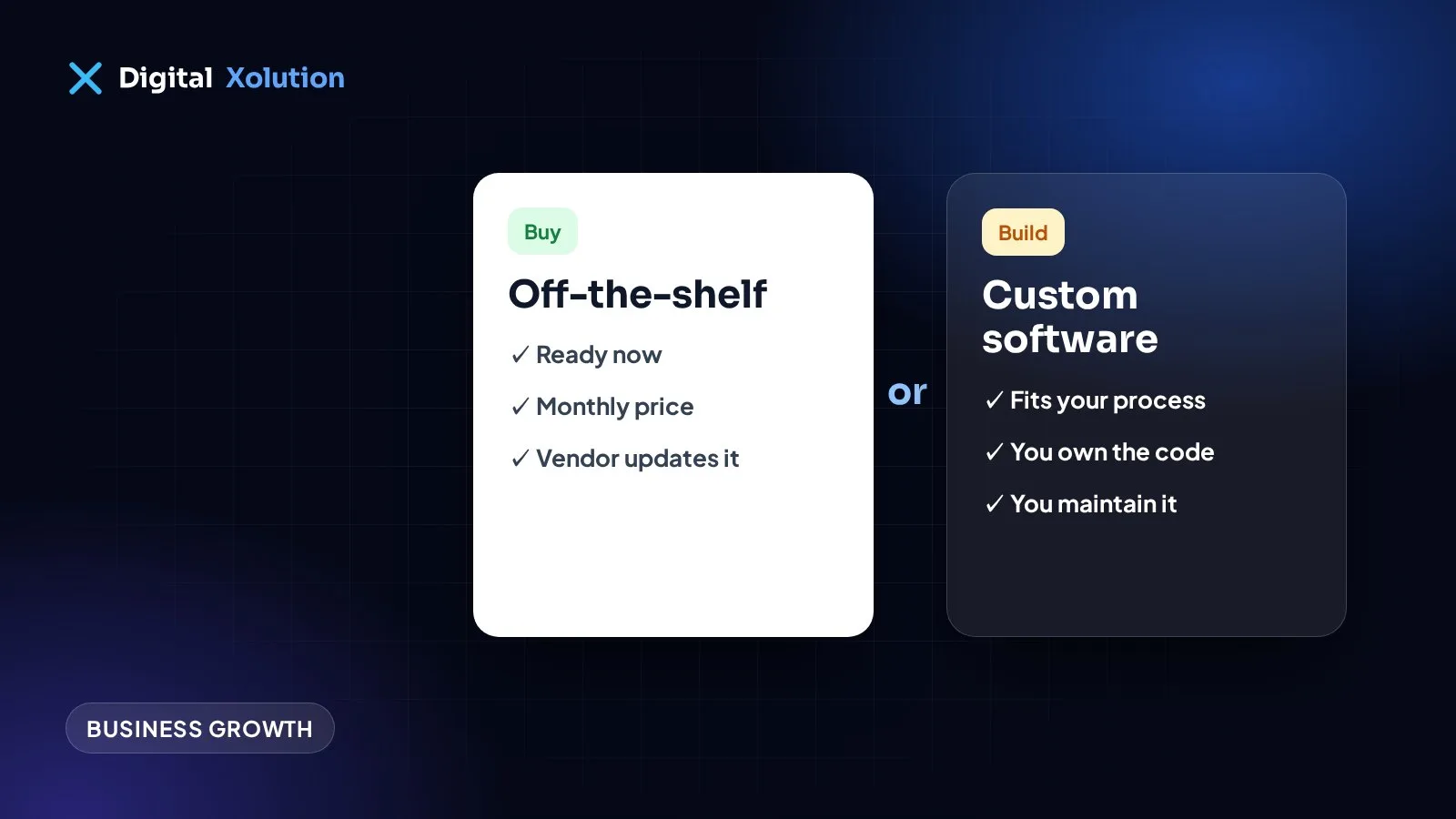
Off-the-shelf software
- Ready now, often with a free trial
- A predictable subscription, with costs that usually grow with your team
- The vendor handles hosting, security and updates
- You adapt your process to the product
- Prices, features or the whole product can change without your say
Custom software
- Takes time to plan, build and test
- A larger upfront cost, plus ongoing maintenance
- You're responsible for making sure it's looked after
- It's built around how you work
- You can own the code and decide what changes, if your contract says so
When off-the-shelf is the better choice
Buy if most of these are true:
- Your process is fairly standard, such as invoicing, scheduling or a sales pipeline
- A product does around 80% of what you need, and you can live with the rest
- You need it working in weeks, not months
- You don't have someone who can own a software project
- You're still working out how the process should run
That last one is important. Software locks in a process, so if yours keeps changing, wait.
When custom starts to make sense
Consider building if several of these apply:
- Your process is what sets you apart. Forcing it into a generic tool would remove the advantage.
- Staff are working around your tools. People retype the same data, keep side spreadsheets, or do checks by hand.
- Your tools won't connect. You've tried integrations and information still gets stuck.
- Per-user prices have become painful. Compare several years of subscription costs with building and maintaining something.
- You've hit a hard limit. A rule, report or customer experience you need simply isn't possible.
There's often a middle option
It isn't always one or the other:
- Connect what you already have. An automation between two tools may remove most of the pain.
- Extend a platform. Many products offer APIs or add-ons for your missing piece.
- Build only the gap. Keep your accounting package, for example, and build just the customer portal or scheduling piece that makes you different.
This is usually cheaper and less risky than replacing everything.
Compare the real costs
Look at the total over about three to five years, rather than just the first invoice.
For bought software, include:
- Subscriptions for all your users, and likely price rises
- Setup, data migration and training
- Staff time lost on workarounds
For custom software, include:
- Discovery, design, build and testing
- Hosting and monitoring
- Security updates, bug fixes and new features
- The time your own team spends on the project
Be wary of anyone who quotes only the build. Software needs looking after for as long as you use it.
Questions to ask before you build
Ask a developer these, whoever you hire:
- Who owns the code, and can I get it at any time?
- Can I start with a small first version?
- How will I see progress, and how often?
- What will it cost to run and maintain each year?
- How is customer data protected and backed up?
- If we stop working together, could another developer take over?
Vague answers are a warning sign.
A low-risk way to decide
- Write down the process as it works today, including the workarounds.
- Mark the steps that cost the most time or cause the most errors.
- Trial two or three existing products against those steps.
- If nothing fits, scope the smallest version that fixes the worst step.
If a trial solves it, you've saved yourself a project. If it doesn't, you now have a clear brief.
Weighing it up? Tell us what you're trying to fix. Through our custom software service, we'll give you a straight answer on whether to build at all, and if an existing product is the better fit, we'll say so.