Sooner or later, someone tells you your business should have an app. A competitor launches one, or a customer asks, and it starts to feel like something you're missing.
We build mobile apps, and we'll be straight with you: many small businesses don't need one. A customer who needs a plumber once every few years won't download an app to book one. But for the right business, an app can be very useful. Here's how to tell the difference.
The one question to start with
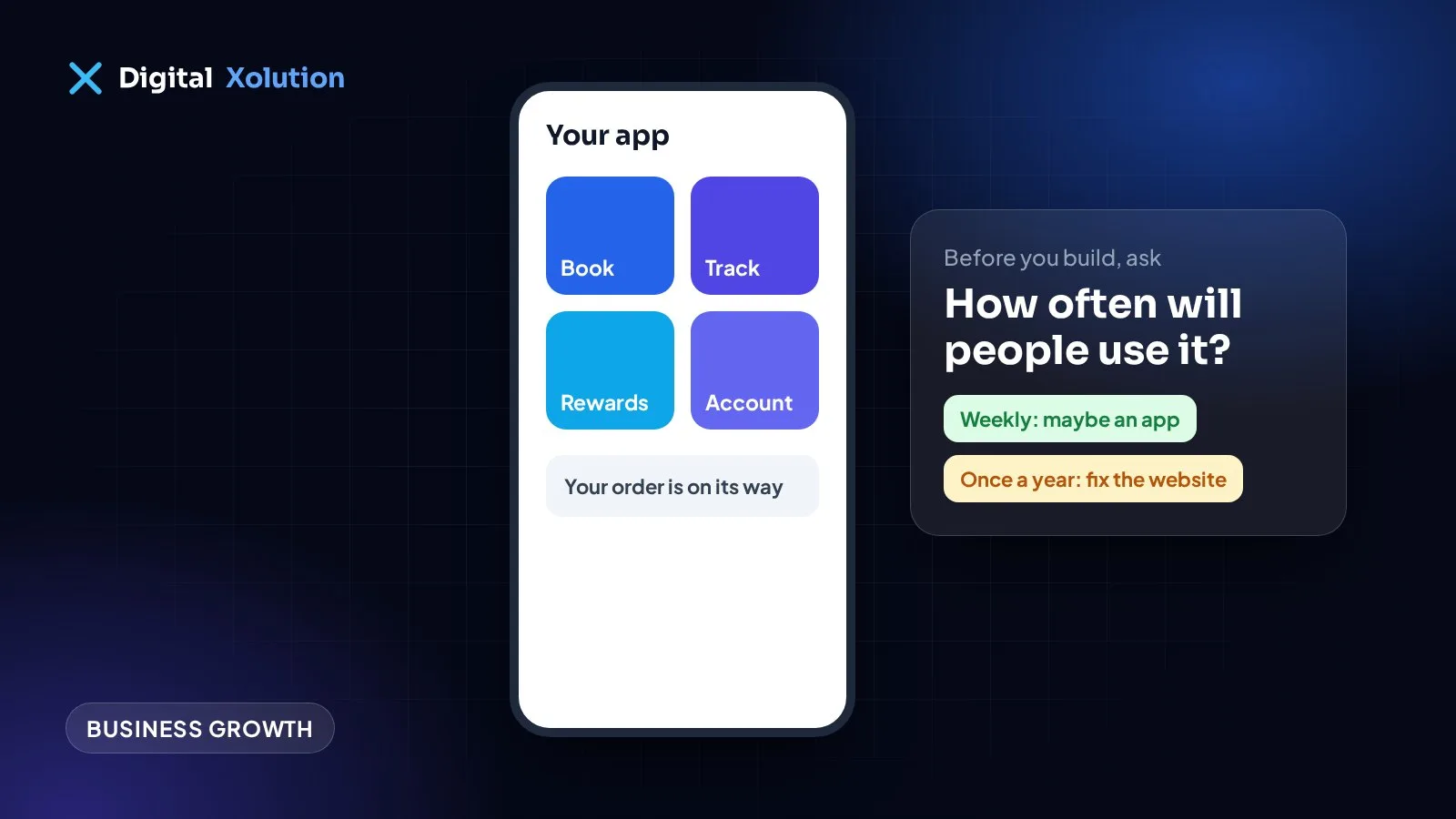
How often will the same person use this?
People keep apps they use regularly. If customers will only need you once or twice a year, they're unlikely to install anything, and many won't keep it. If they'd open it every week, or every day, an app starts to make sense.
When a better website is the right answer
A fast mobile website is probably enough if:
- Customers mostly want your phone number, prices, services or a quote
- Most of your visitors find you through Google
- People buy from you only occasionally
- You don't yet have many repeat customers
- Your current site is slow or awkward on a phone
That last point matters. An app won't fix a poor website, because new customers will still see the website first. They search, they land on your site, and they decide there. Start with our 10-minute website self-check.
When an app earns its place
An app is worth considering if you have several of these:
- Frequent, repeat use: ordering, booking, tracking or checking in on a regular basis
- Phone features that matter: camera, location, barcode scanning or push notifications
- Offline use: staff working on sites with poor signal
- Logged-in customers: people returning to their own account, history or loyalty rewards
- Staff tools: technicians or drivers who need job details and forms in the field
Don't overlook that last one. Often the best first app isn't for customers at all. Your team will actually install it, because it's part of their job.
The middle option: a web app
There's a third choice that many people don't know about. A web app runs in the browser but can look and behave much like an app. It has logins, dashboards and forms, and it can often be added to a phone's home screen.
The main advantages:
- One version that works on iPhone, Android and desktop
- No app store approval, and updates reach everyone straight away
- Customers don't have to download anything
- Usually less to build and maintain than separate native apps
The trade-off is that access to some phone features is more limited, particularly on iPhone. And you won't have an app store listing, if being found there matters to you.
What an app really costs
The build is just the start. Before you commit, budget for:
- Design and testing across different phones
- Store accounts: Apple and Google both charge developer account fees
- Store fees: rules vary, and in-app sales of digital items can carry a commission
- Ongoing updates: new phone operating systems can break things, so apps need regular attention
- Hosting and backend for accounts and data
- Getting people to install it: nobody will find it unless you actively promote it
Ask for a yearly running cost as well as the build quote. If nobody can give you one, keep asking.
A quick decision guide
- Do customers mostly look you up, then call or book once? Improve your website.
- Do customers or staff need logins and tools, but no special phone features? Consider a web app.
- Do people use it often, and need notifications, camera, location or offline access? Consider a mobile app.
- Not sure? Test the idea cheaply first.
How to test before you build
You don't need a full app to find out if people want one:
- Ask ten regular customers what they'd use it for, and listen for specifics
- Add the most requested feature to your website first, then see who uses it
- Build one small version that does one job well
- Look at your website analytics to see how many visitors return
If people won't use a simple version, a more expensive one is unlikely to change that.
If you go ahead
Start with the smallest version that solves one real problem. Make sure you own the code and the store accounts. Decide how you'll measure success before you begin, such as bookings made, repeat orders or staff time saved.
Still weighing it up? Tell us what you'd want the app to do. Through our mobile app development service, we'll give you an honest answer on whether to build one at all, and if a better website is the smarter move, our website team can help with that instead. You can also start with a free audit.