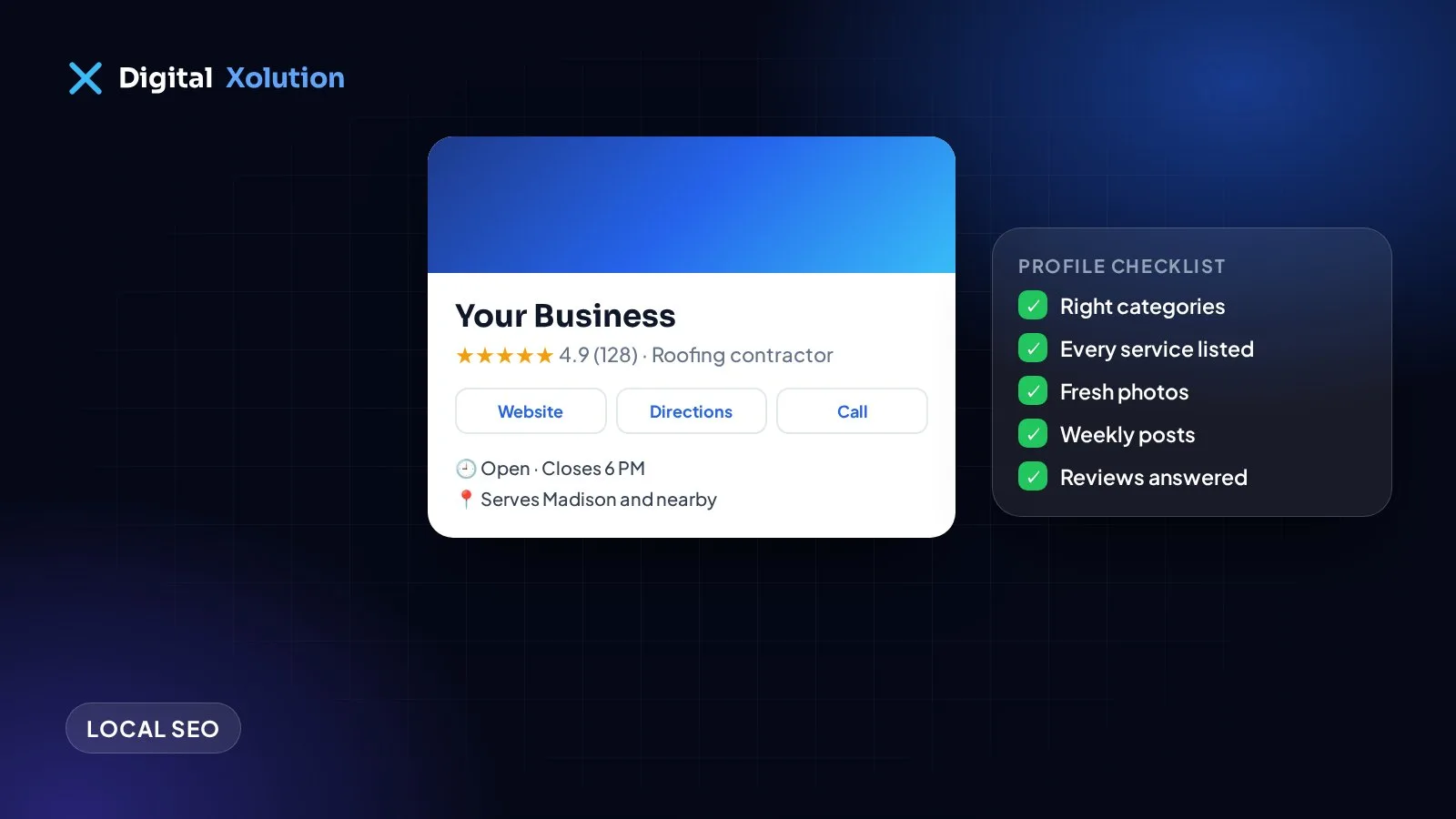
For local businesses, your Google Business Profile is often the first thing customers see, sometimes before your website. It's what appears in Google Maps and in the map results at the top of local searches.
A complete, well-maintained profile helps you appear in more searches and turns more of those searches into calls. Here's how to optimise yours, step by step.
Step 1: Claim and verify your profile
Go to business.google.com and search for your business. If a profile already exists, claim it; if not, create one. Google will ask you to verify that you're the owner, usually by video, phone, email or a postcard. Until it's verified, many features won't work.
Step 2: Get your name, address and phone exactly right
- Business name: use your real business name, exactly as customers see it on your signs and website. Adding keywords or city names to your name breaks Google's guidelines and can get your profile suspended.
- Address: use your real address. If you serve customers at their homes and don't receive visitors, hide your address and set service areas instead.
- Phone: use a local number that's answered.
Use exactly the same name, address and phone number on your website and in business directories.
Step 3: Choose the right categories
Your primary category is one of the most important settings. Choose the one that best describes your main business, for example "Roofing contractor" or "HVAC contractor". Then add a few secondary categories for other services you genuinely offer. Look at the top-ranking competitors in your area for ideas.
Step 4: Add every service
In the Services section, add each service you offer with a short description. Use the words customers search for, such as "AC repair", "roof leak repair" or "emergency plumber", but keep descriptions natural and helpful.
Step 5: Write a helpful description
You have 750 characters to describe your business. Explain what you do, who you help and where you work, and what makes you different. Write for customers first. Don't stuff keywords or include links or promotions.
Step 6: Set your hours and service areas
Keep your opening hours accurate, including holiday hours. Wrong hours lead to frustrated customers and bad reviews. If you travel to customers, list the towns or areas you serve.
Step 7: Add real photos regularly
Add your logo, a cover photo, photos of your team, vehicles, premises and finished work. Real photos help customers trust you and show Google your profile is active. Add new ones regularly rather than all at once.
Step 8: Get and reply to reviews
Reviews influence both rankings and decisions. Ask every customer for an honest review, make it easy with your review link, and reply to every review, positive or negative. Our guide on how to get more Google reviews covers how to do this within the rules.
Step 9: Publish posts
Google Posts let you share updates, offers and news directly on your profile. A short post every week or two, such as a recent project, a seasonal tip or an offer, keeps your profile fresh and gives customers another reason to call.
Step 10: Answer questions
People can ask questions on your profile. Check regularly and answer them yourself, so the answer comes from you rather than a stranger. You can also add common questions and answers yourself.
Step 11: Link it to your website
Link to your website (or the most relevant page) and make sure your site supports your profile: a page for each service, your service areas, and the same contact details. Your profile and website work best together.
Keep it up
Optimisation isn't a one-time job. Each month:
- Add new photos
- Publish a post or two
- Reply to new reviews and questions
- Check your hours and details are correct
Want this done for you? Our local SEO service includes full Google Business Profile optimisation, service-area pages and a review system. Based in Wisconsin? See our Madison, WI web design and local SEO page, or start with a free audit.