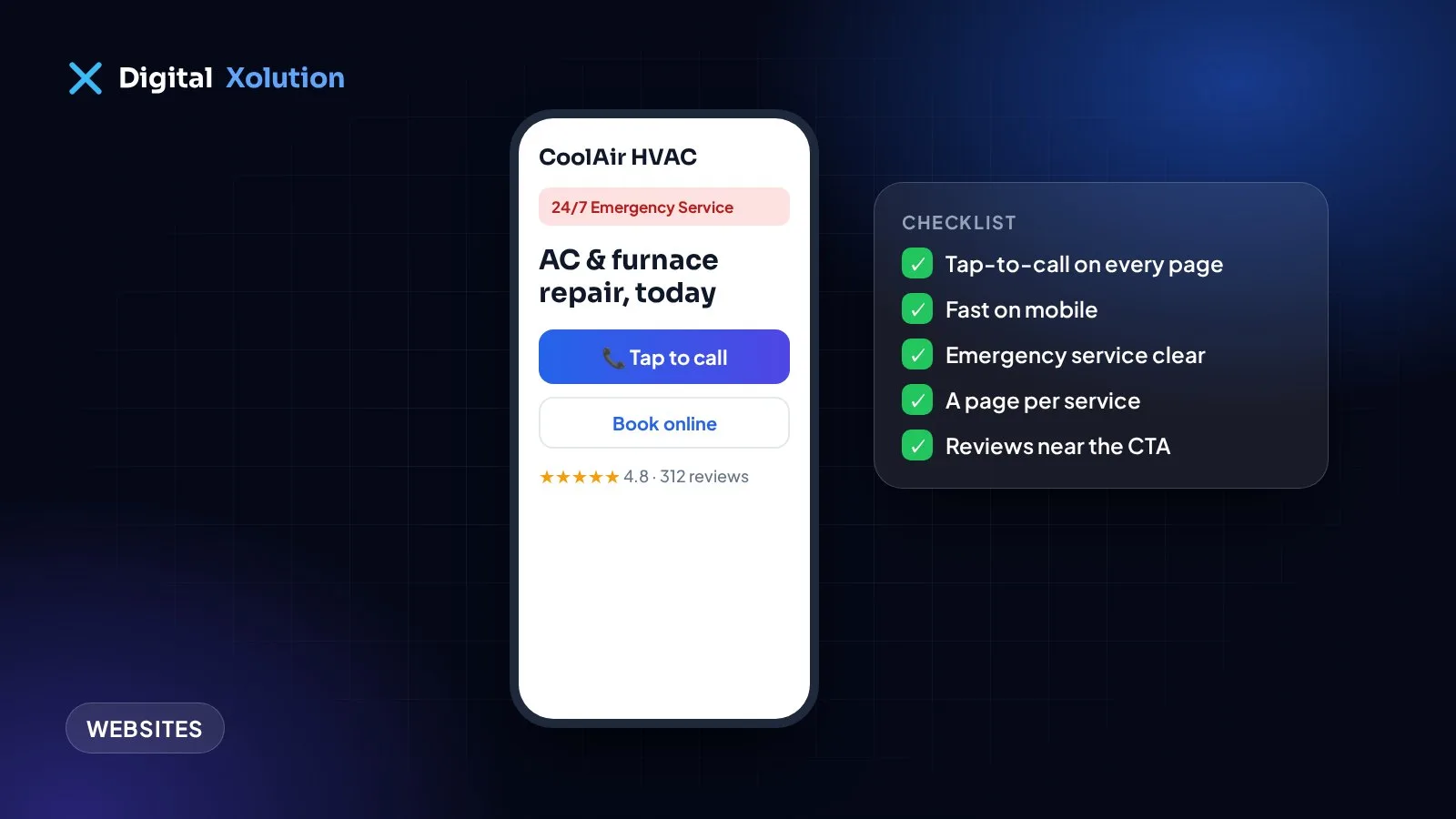
When a furnace stops on a cold night or the AC fails in a heatwave, homeowners grab their phone and search. They open two or three HVAC websites and call the first one that looks trustworthy and easy to reach.
Your website has a few seconds to win that call. Use this checklist to see whether yours does. Each point is something you can check yourself in a few minutes.
1. Your phone number is visible on every page
Put your number in the header of every page, so it's visible without scrolling. On phones, make it a tap-to-call button. Customers with an emergency won't search for your contact page.
2. It loads fast on a phone
Most HVAC searches happen on mobile, often on a weak signal. If your homepage takes several seconds to appear, many visitors give up. Test your site with Google's free PageSpeed Insights and focus on the mobile score.
3. Emergency service is obvious
If you offer 24/7 or after-hours service, say so at the top of the homepage, along with how to reach you. A clear "24/7 emergency HVAC service: call now" line answers the visitor's most urgent question immediately.
4. Every service has its own page
Create a dedicated page for each service you offer, for example:
- AC repair and AC installation
- Furnace repair and furnace replacement
- Heat pumps
- Ductwork and indoor air quality
- Maintenance plans
Separate pages help you rank for each search, and they let visitors find exactly what they need. One page that lists everything rarely ranks well for any of it.
5. Your service area is clear
List the towns and areas you cover, and consider useful pages for your main service areas. Customers want to know straight away whether you work in their town, and Google uses this to match you with local searches.
6. Reviews and trust signals sit where people decide
Show your Google rating, a few short reviews, your licences, insurance and any manufacturer certifications near the top of the page and next to your calls to action. Trust signals hidden on an "About" page do much less work.
7. A short booking or quote form
Not everyone wants to call. Add a short form with just the essentials: name, phone, address or ZIP code, and what the problem is. Every extra field loses people. Put the form on every service page, not only the contact page.
8. Financing and maintenance plans are explained
A new system is a big expense. If you offer financing, explain it clearly. If you sell maintenance plans, describe what's included and what it costs. Clear information removes a common reason people hesitate.
9. Real photos of your team and vans
Stock photos of smiling models look the same on every HVAC site. Real photos of your technicians, vans and finished installations make you look established and local, and they help customers recognise you at the door.
10. You can see which marketing brings calls
Set up call tracking and form tracking, so you know how many enquiries the website produces and where they come from. Without it, you're guessing which marketing is worth paying for.
Bonus: answer every call
The best website in the world can't help if the call goes to voicemail. When you're on a job, an AI receptionist can answer, ask whether it's an emergency, book the visit and text you a summary.
How did your website score?
Count how many of the 10 points your site gets right:
- 9–10: great foundations. Focus on reviews and local SEO.
- 6–8: a few fixes could bring noticeably more calls.
- 5 or fewer: your website is probably losing jobs every week.
Want an expert to check it for you? Our website fixes service adds tap-to-call, booking forms, trust signals and tracking, usually in about a week. See how we help HVAC, plumbing and electrical companies, or start with a free audit.