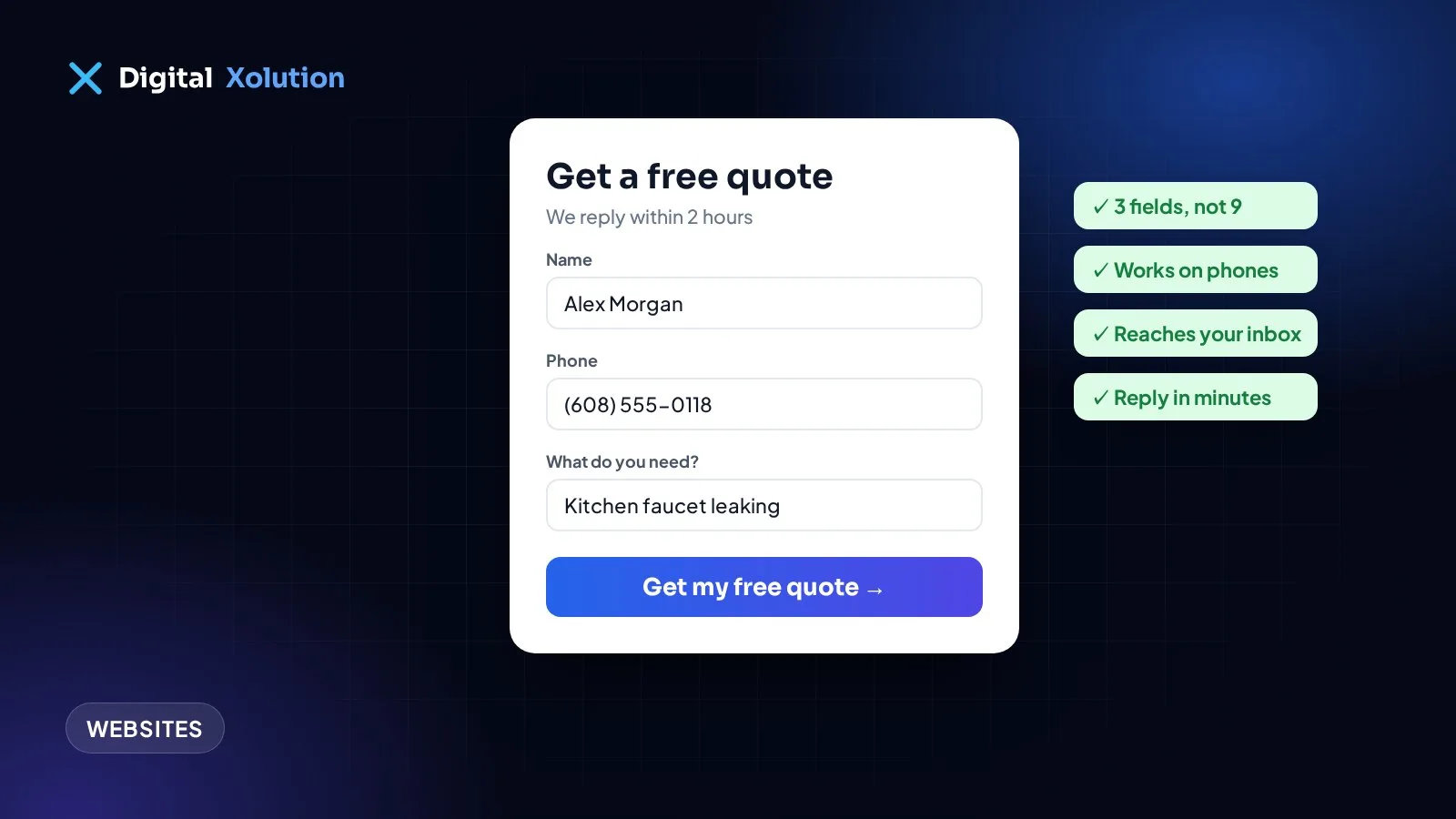
Your website gets visitors. You can see them in your analytics. But the contact form hardly ever sends anything, and when it does, it's spam. Before you decide "websites don't work for our business", check the form. It's often the one thing standing between a visitor and a booked job.
Work through these ten problems in order. The first few are the most common, and the quickest to fix.
First, make sure the form actually works
1. The messages aren't reaching anyone. This happens more than you'd think. The form sends to an old email address, a staff member who left, or a spam folder. Fill in your own form today, from your phone, and see how long it takes to arrive. Then do it again every month.
2. It fails quietly on phones. A button that sits under a chat widget, a date picker that won't open, a field that rejects a normal phone number. Test the form on an iPhone and an Android phone, not only on your office computer.
3. There's no confirmation. If someone presses "Send" and nothing obvious happens, they'll either press it five more times or give up and call a competitor. Show a clear thank-you message that says what happens next, such as "We'll call you back within two hours".
Then make it easy to fill in
4. It asks for too much. Every extra field is another reason to stop. For most service businesses, you need a name, a phone number or email, and a short description of the job. You can ask for the rest when you call back.
5. It asks the wrong questions. "Subject" and "Company name" make sense for an office, not for someone with a broken furnace. Ask what matters to the job: the service they need, their town or zip code, and when it suits them.
6. It's hard to find. If the form only lives on a "Contact" page, many visitors never see it. Put a short version on your homepage and every service page, near the top and again at the bottom.
Then give people a reason to send it
7. Nothing tells them what happens next. People hesitate when they don't know what they're signing up for. A line under the button helps: "No obligation. We reply within one business day with a price range."
8. There's no trust nearby. Put a rating, a short review or a "licensed and insured" note right next to the form. That's the moment people decide whether to hand over their phone number.
9. The button says "Submit". Nobody wants to submit anything. "Get my free quote" or "Request a callback" says what they'll get.
Finally, handle the leads you already get
10. Replies are slow. A form lead goes cold quickly, because most people contact more than one company. If nobody can reply for hours, set up an instant text or email that confirms you've got the request and says when you'll be in touch. Our post on automating customer follow-ups shows how to do that without extra staff.
What about spam?
Spam is annoying, but don't fix it with a puzzle that real customers can't solve. Invisible protections work better: a hidden "honeypot" field that only bots fill in, a check on how fast the form was completed, and a limit on how many messages one address can send. Your website developer can add these in an afternoon.
A real example
When we built the website for Pretty Face Couriers, a moving company in Philadelphia, the quote form was the center of the site. It asks only what's needed to price a job, saves every request, and emails it to the owner straight away. Each request is then tracked through contacted, quoted, booked and completed, so nothing gets lost in an inbox.
Quick checklist
- Test the form from your phone today, and every month after.
- Cut it down to the questions you really need.
- Put it on every service page, not only the contact page.
- Add a clear button label, a trust signal and a "what happens next" line.
- Reply fast, even if the first reply is automatic.
Want more enquiries from the visitors you already have? Our website fixes and conversion service starts with exactly these checks. Or get a free audit and we'll send you a plain-English list of what to fix first.