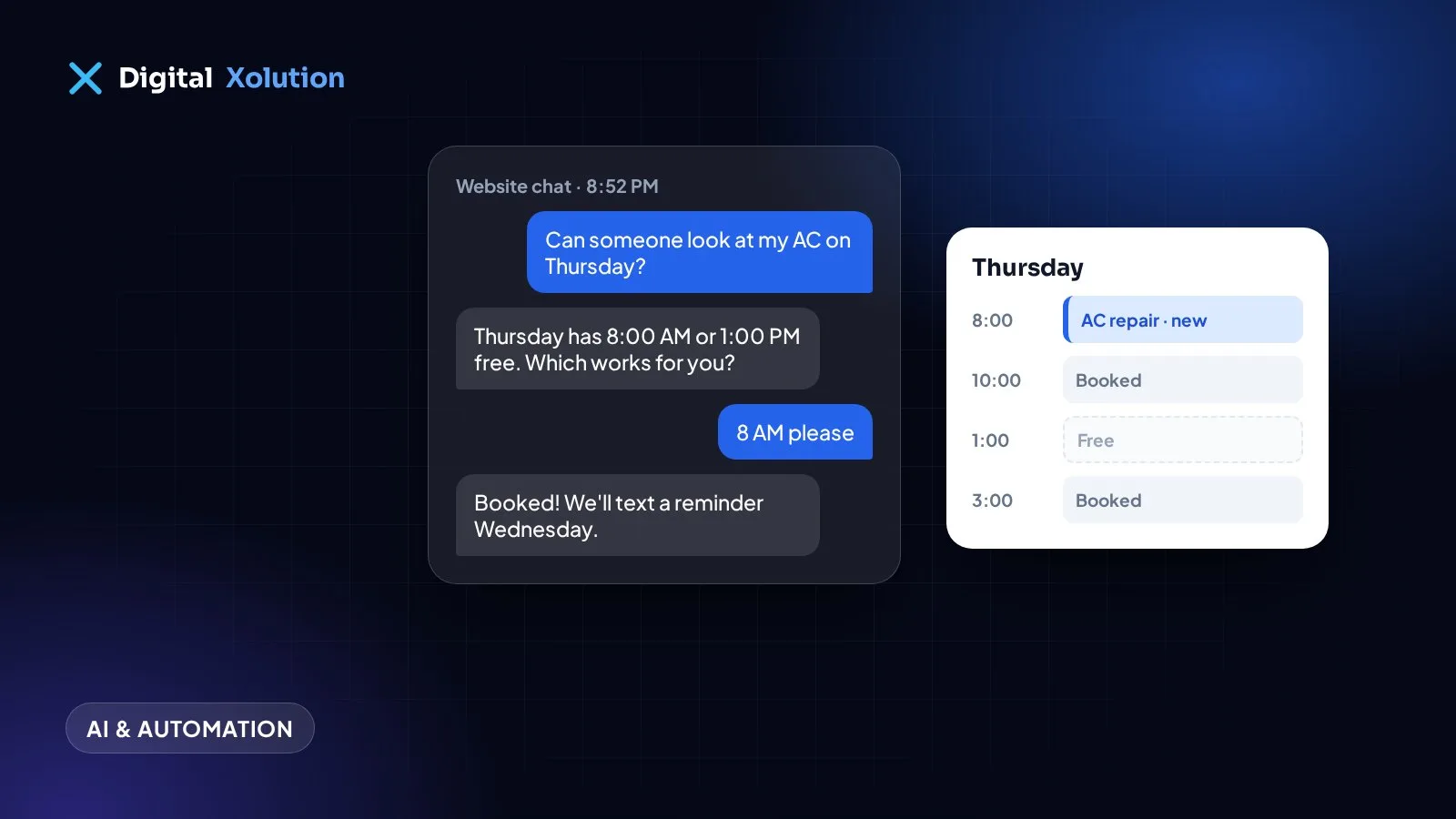
A lot of booking requests arrive when nobody is free to take them: in the evening, at weekends, or while you're with another customer. If the only options are "leave a message" or "call back tomorrow", some of those people will book with whoever answers first.
AI appointment booking closes that gap. Here's how it works, where it helps, and what to watch out for.
What AI appointment booking actually does
An AI booking assistant talks with customers on your website chat, by text message or on the phone. It asks the questions your staff would ask, checks your real calendar, and offers times that are actually free. When the customer picks one, it books the slot, sends a confirmation and lets your team know.
A good setup handles the whole conversation, for example:
- "Do you do tankless water heaters?" Yes, and here's roughly what an installation involves.
- "Can someone come Thursday?" Thursday has 8 AM or 1 PM free.
- "I'm in Middleton." That's in our area, so the booking goes ahead.
- "Can you remind me the day before?" A reminder is scheduled.
Where it helps the most
After-hours requests. People often search for services in the evening, once the working day is over. An assistant can book them while they're still keen.
Busy times. When the phone rings while you're on a job or with a patient, the assistant handles the routine bookings so your team can focus.
Simple, repeatable appointments. Estimates, inspections, cleanings, consultations and standard service calls work well. The more predictable the appointment, the better the AI does.
Reminders and rescheduling. Many no-shows are people who forgot. Automatic reminders, with an easy way to move the appointment, recover a lot of those slots.
What it shouldn't do on its own
AI booking is not a reason to stop talking to customers. Keep a person in the loop for:
- Emergencies. Anything urgent or unsafe should go straight to a human, with a clear way to reach one.
- Prices for complex work. The assistant can explain how pricing works, but a firm quote for a big job should come from you.
- Unhappy customers. Complaints need a person.
- Anything it isn't sure about. A good assistant says "I'll have someone call you" instead of guessing.
How to set it up well
1. Start with your real rules. Which services can be booked online? How long does each one take? Which areas do you cover? What should never be booked without a call? Write this down first, because the assistant is only as good as these rules.
2. Connect it to the calendar you already use. Double bookings happen when the AI and your team work from different calendars. It should read and write the same one.
3. Let customers know they're talking to AI. Be upfront. Most people don't mind, as long as they get a quick answer and can reach a person when they need one.
4. Protect customer details. Only collect what you need to book the job, and make sure the system you use stores it securely.
5. Read the conversations. For the first few weeks, check what customers are asking and where the assistant gets stuck. Those gaps tell you what to add.
Chat, text or phone?
Start where your customers already contact you. If most bookings come by phone, an AI voice receptionist will make the biggest difference. If your website gets plenty of visitors who never call, a booking assistant in the website chat is the place to start. Our guide to AI chatbots for small businesses covers the website side in more detail.
Is it worth it?
Count the booking requests you miss today: voicemails returned too late, contact forms answered the next morning, calls during jobs. If even a few of those would have become paying jobs each month, an assistant that answers instantly usually pays for itself. Our post on what missed calls cost your business helps you put a number on it.
Want an assistant that books jobs into your calendar? See our AI agents and chatbots service, or get a free audit and we'll show you where you're losing bookings today.