Your Google reviews are read by the customer who left them, and also by everyone deciding whether to call you. Your replies are part of that. A calm, helpful reply to a bad review can win more trust than another five-star review with no reply at all.
Here's how to reply to each kind of review, with examples you can adapt.
Why replying matters
- People read your replies. They show how you treat customers when something goes wrong.
- Google encourages it. Replying is part of managing your Business Profile, and it shows you're active.
- Customers notice. Reviewers who get a thoughtful reply are more likely to come back, and sometimes update their review.
Reply to reviews in your Google Business Profile, from Google Search or Maps while signed in, or in the Google Business Profile app.
Replying to positive reviews
Keep it short, personal and specific. Thank them by name, mention the job, and invite them back.
"Thanks, Maria! We're glad the new water heater is working well. Give us a call if you ever need anything else."
Avoid copying the same "Thank you for your review!" under every review. It looks automatic. Don't stuff keywords like "best plumber in Madison" into replies either: it reads badly, and customers notice.
Replying to fair complaints
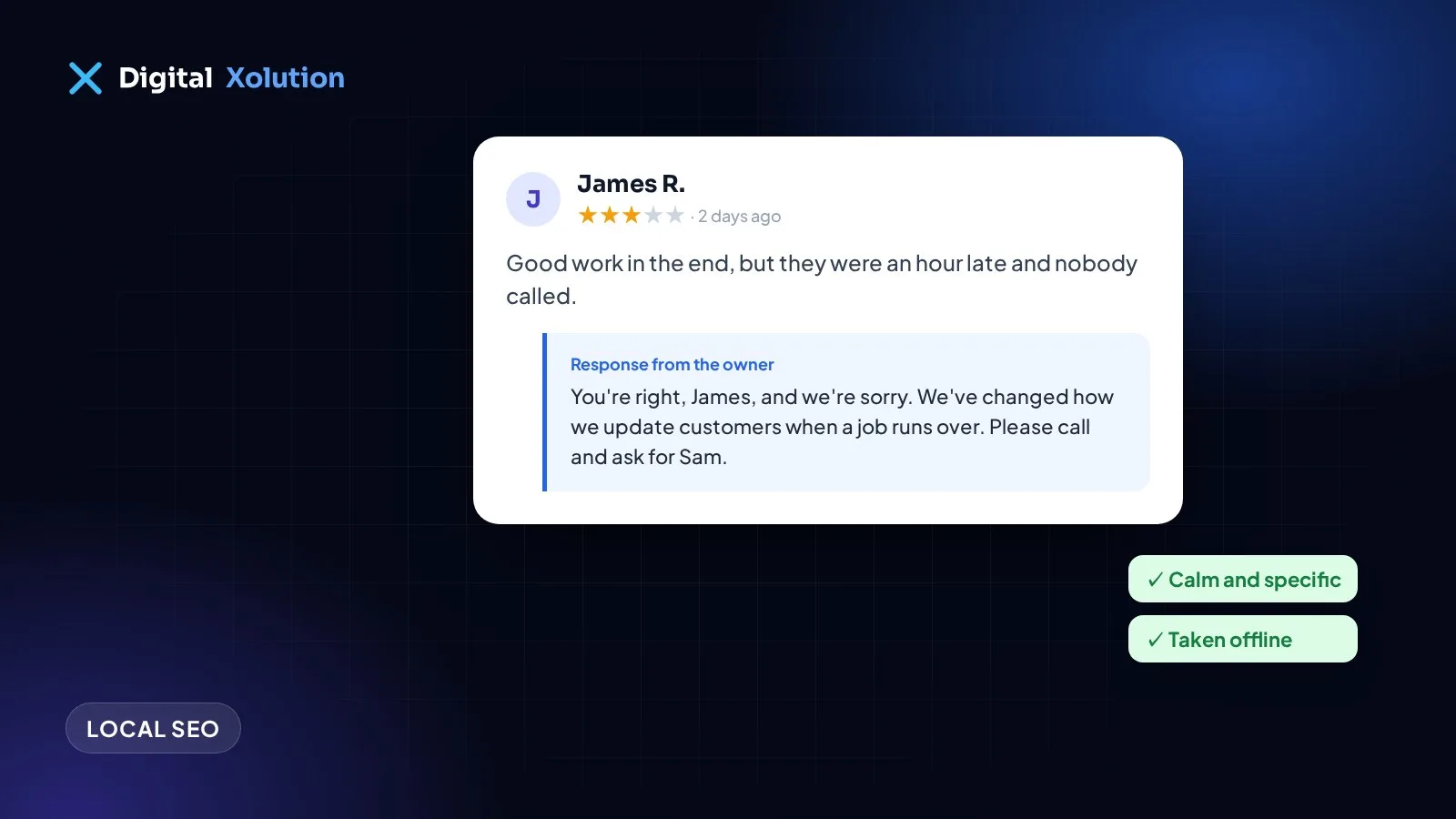
When a customer has a real point, the best reply is simple:
- Thank them and say sorry, without making excuses.
- Show you understand the problem in a sentence.
- Say what you've done or will do about it.
- Take the details offline, with a name and a way to reach you.
"Hi James, you're right that we were late on Tuesday, and we should have called to let you know. We're sorry. We've changed how we update customers when a job runs over. I'd like to make this right, so please call me directly at the office and ask for Sam."
Then actually follow up. If you fix the problem, the customer may choose to update their review. You can ask politely, but never pressure them or offer something in return.
Replying to unfair or angry reviews
Some reviews are rude, exaggerated or simply wrong. Wait until you're calm, then reply for the people reading it later, not to win the argument.
- Stay polite and stick to facts.
- Don't share private details about the customer or the job.
- Correct anything clearly false, briefly.
- Offer to talk.
"We're sorry to hear you're unhappy. We don't have a record of a visit at this address, but we'd like to look into it. Please call us at the office so we can find out what happened."
What about fake reviews?
If a review breaks Google's rules, for example it's spam, from someone who was never a customer, from a competitor, or contains hate speech, you can report it from your Business Profile. Google reviews it against its policies. It may not be removed, and it can take time, so post a short, calm reply in the meantime.
Don't try to fight fake reviews with fake positive ones. Buying or swapping reviews breaks Google's rules and can get your profile penalized.
Make it part of your week
- Turn on notifications so you see new reviews quickly.
- Reply within a day or two where you can.
- Let one person own it, with a few approved example replies to work from.
- Learn from the patterns. If several reviews mention the same problem, fix it. That's worth more than any reply.
Get more reviews to reply to
The best protection against one bad review is a steady flow of good ones. Our guide on how to get more Google reviews shows simple ways to ask, and our Google Business Profile guide covers the rest of your listing.
Want help with your local reputation? See our local SEO service, or get a free audit to see how your reviews and listing compare with your competitors.