An AI receptionist answers your phone when you can't: it talks to the caller, answers common questions, books the job and sends you a summary. The technology has improved a lot, and the sales pitches have too. So is an AI receptionist actually worth it for a small business?
The short answer: it's worth it when you miss calls that would have turned into paying work, and the calls are mostly routine. It's not worth it when you rarely miss calls, or when most calls need a real judgement call from you. This guide walks through both sides so you can decide with your own numbers.
What an AI receptionist does well
- It answers every call, straight away. No hold music, no voicemail, no "we're busy right now". Two calls at once, or twenty, is fine.
- It works nights, weekends and holidays. The same quality at 9 PM on a Sunday as at 10 AM on a Tuesday, without overtime.
- It books into your real calendar. A good setup checks your availability and books the slot, instead of taking a message for you to call back.
- It's consistent. It asks the same qualifying questions every time: address, type of job, how urgent, best number.
- It sends you a clean summary. You get a text or email with who called, what they need and what was booked.
- The cost is predictable. Most plans are a flat monthly fee or a bundle of minutes, rather than an hourly wage.
Where it falls short
Being honest about the downsides is the only way to set one up well.
- Some callers don't like talking to AI. Most people just want their problem solved, but a few will hang up. A good setup offers to pass the call to a person or take a message.
- Complicated or emotional calls need a human. A complaint, a tricky quote or a worried customer is better handled by you or your team. The AI should recognise these and hand them over.
- It only knows what you tell it. If your prices, service area or hours aren't in its instructions, it can't answer correctly. Setup takes real thought, not five minutes.
- It needs checking. For the first few weeks, read the summaries and listen to some calls. Fix anything it got wrong.
- It should say it's an AI. Callers should know they're talking to an AI assistant. Some US states have rules about this, and it's simply good practice.
What does it cost?
Prices vary a lot between providers, so compare like with like:
- Monthly plan. Usually a flat fee, sometimes with a limit on minutes or calls.
- Setup. Writing the instructions, connecting your calendar and phone number, and testing. Some providers include this; others charge a one-off fee.
- Phone and usage costs. The phone number, call minutes and the AI itself are often billed separately, by the minute.
Ask every provider the same question: "What would a busy month with double my normal calls cost?" That tells you more than the headline price.
A simple way to check if it's worth it
Use your own numbers, not a sales estimate:
- Missed calls per month. Check your phone log for missed calls and voicemails.
- How many are new customers? Often about half, but check yours.
- How many would you normally win? For example, 3 in 10.
- Average job value. What a typical new job is worth to you.
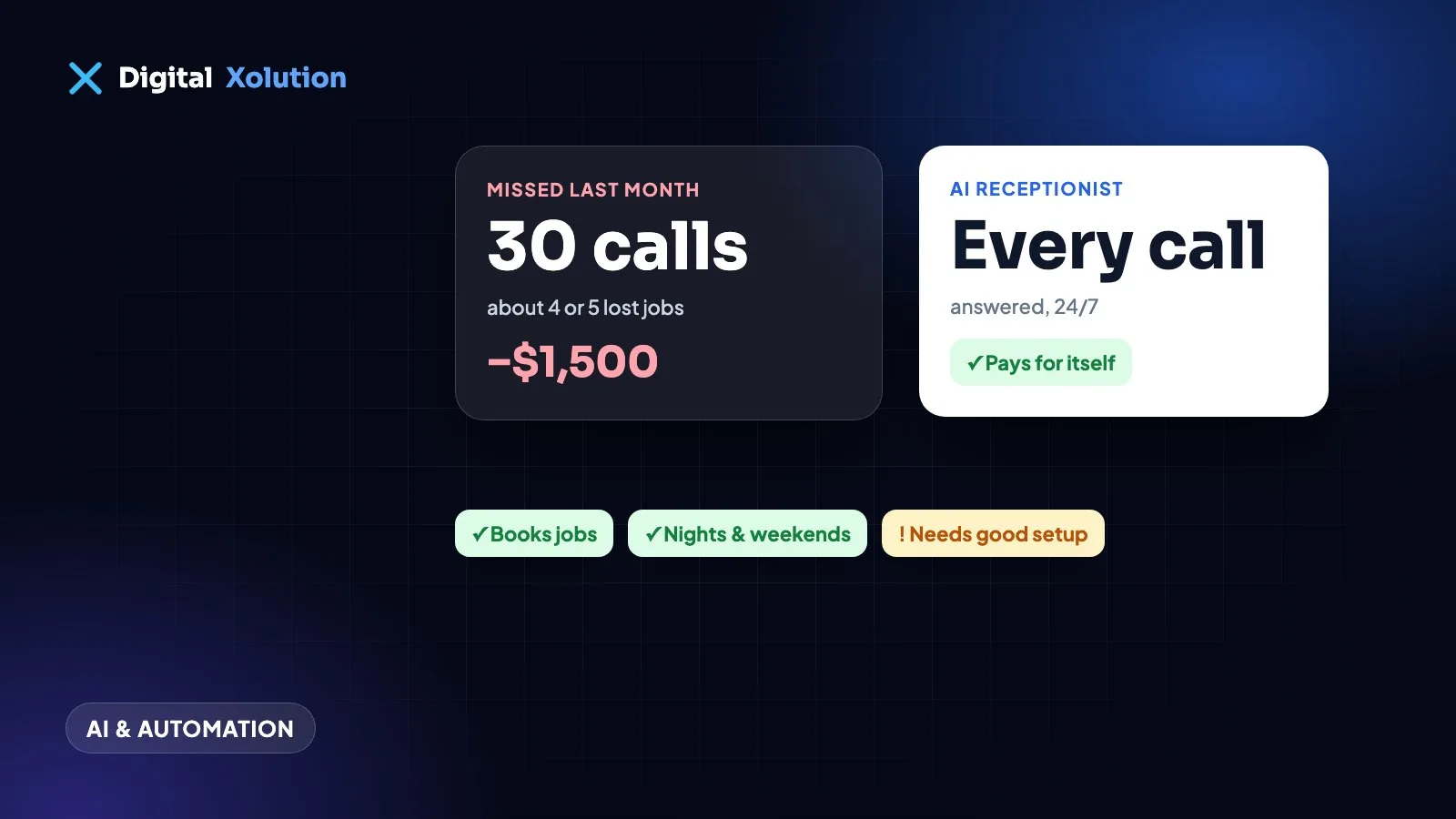
Multiply them together. If you miss 30 calls a month, half are new customers, you'd win 3 in 10 and a job is worth $350, that's about 4 or 5 lost jobs, roughly $1,500 a month. If an AI receptionist costs a fraction of that, it's worth trying. If you only miss three calls a month, it probably isn't.
Our guide to what missed calls cost your business goes through this in more detail.
Who it suits
- Trades and home services: plumbers, electricians, HVAC, roofers, cleaners. You're on a job, the phone rings, and the next caller won't wait.
- Busy offices with routine calls: clinics, salons, law firms and agencies where most calls are bookings, hours and "do you do X?".
- Businesses with after-hours demand: emergency work, storm season, weekend enquiries.
- Owners who answer the phone themselves and lose hours to calls that never turn into work.
Who it doesn't suit
- Very low call volume. If you answer nearly every call already, put the money elsewhere.
- Every call is a consultation. If each caller needs your expert judgement, the AI can only take a message, and an answering service or a part-time person may fit better.
- No time to set it up properly. A rushed setup with wrong prices or hours does more harm than voicemail.
AI receptionist, answering service or voicemail?
You don't have to choose just one. A common setup is: your team answers during the day, the AI receptionist takes overflow and after-hours calls, and anything complex is passed to a person. For a side-by-side comparison, read AI receptionist vs answering service.
Questions to ask before you sign up
- Can it book directly into my calendar, and what happens if the slot is taken?
- How does it hand a call to a person, and what if nobody answers?
- Does it tell callers it's an AI assistant?
- Where are call recordings and transcripts stored, and who can see them?
- What does a busy month cost, and can I cancel easily?
- Can I change its instructions myself when prices or hours change?
The bottom line
An AI receptionist is worth it when missed calls are costing you real work and most of those calls are routine. Start with overflow and after-hours calls, check the results for a month, and keep a person in the loop for anything complex.
Want to see what it would sound like for your business? See our AI voice receptionist service, or get a free audit and we'll show you where your calls and leads are slipping through.