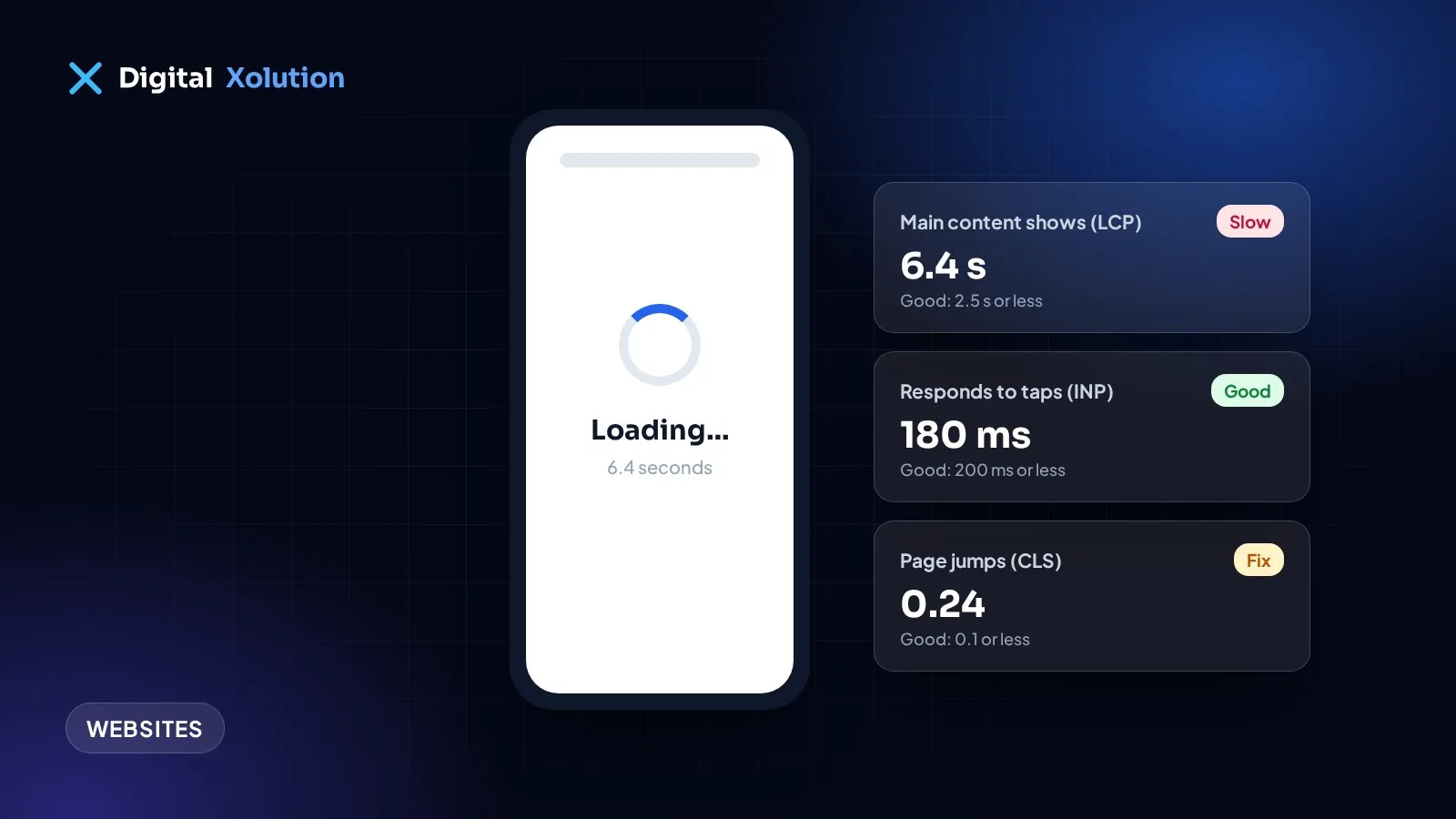
Most of your customers will see your website on a phone, often on a patchy mobile connection. If the page is still blank after a few seconds, many of them go back to Google and tap the next result. You never hear about it. They just don't call.
Here's how to check your speed, what the numbers mean, and what to fix first.
How to check your speed in two minutes
- Go to PageSpeed Insights (pagespeed.web.dev), Google's free tool.
- Paste in your homepage address and run the test.
- Look at the Mobile results first. That's what most customers see.
- Repeat for your most important service page, not only the homepage.
Then do a real-world test: open your site on your own phone, using mobile data rather than Wi-Fi, and count how long it takes before you could tap "Call".
What the numbers mean
Google measures three things it calls Core Web Vitals:
- Largest Contentful Paint (LCP): how long until the main content appears. Google treats 2.5 seconds or less as good.
- Interaction to Next Paint (INP): how quickly the page responds when someone taps something. 200 milliseconds or less is good.
- Cumulative Layout Shift (CLS): how much the page jumps around while it loads, like a button moving just as you tap it. 0.1 or less is good.
If PageSpeed Insights shows real-user data for your site, trust that over the lab score. The score out of 100 is a helpful guide, but customers care about the experience, not the number.
The usual causes, and the fixes
1. Huge images. The most common problem by far. A photo straight from a camera or phone can be many times bigger than it needs to be. Resize images to the size they're shown at, and use modern formats such as WebP or AVIF.
2. Too many plugins and add-ons. Each chat widget, slider, popup and tracking tool adds code that every visitor has to download. Remove anything you don't use, and question anything you're not sure about.
3. Cheap or overloaded hosting. If the server is slow to respond, everything else waits. Good hosting with caching often makes a noticeable difference on its own.
4. No caching. Without it, the server builds every page from scratch on every visit. Page caching and a content delivery network (CDN) serve ready-made pages from somewhere close to the visitor.
5. Heavy page builders and themes. Some all-in-one themes load code for features you'll never use. If your site has been patched for years, a rebuild can be faster and cheaper than more fixes.
6. Fonts and videos loaded the slow way. Too many font files, or a video that starts downloading before anyone presses play, slow down the first view. Load only the fonts you use, and show a still image until someone chooses to play a video.
7. Things that move as the page loads. Images without set sizes, late-loading banners and cookie bars push content around. Reserve space for them so the layout stays still.
What to fix first
Start with what customers see first: the top of your homepage and your main service pages. Compress the big images, remove plugins you don't need, and turn on caching. Those three steps fix most slow small business sites.
Then retest. Speed drifts over time as content and add-ons pile up, so check every few months, and after any big change. It's on our website maintenance checklist for that reason.
Speed is only part of it
A fast site still has to make calling easy. Check that your phone number is tappable, your service area is clear, and your forms work. Our post on whether your website is losing customers covers the rest.
Want a faster website without a full rebuild? Our website fixes and conversion service starts with a speed check, or get a free audit and we'll show you what's slowing your site down.