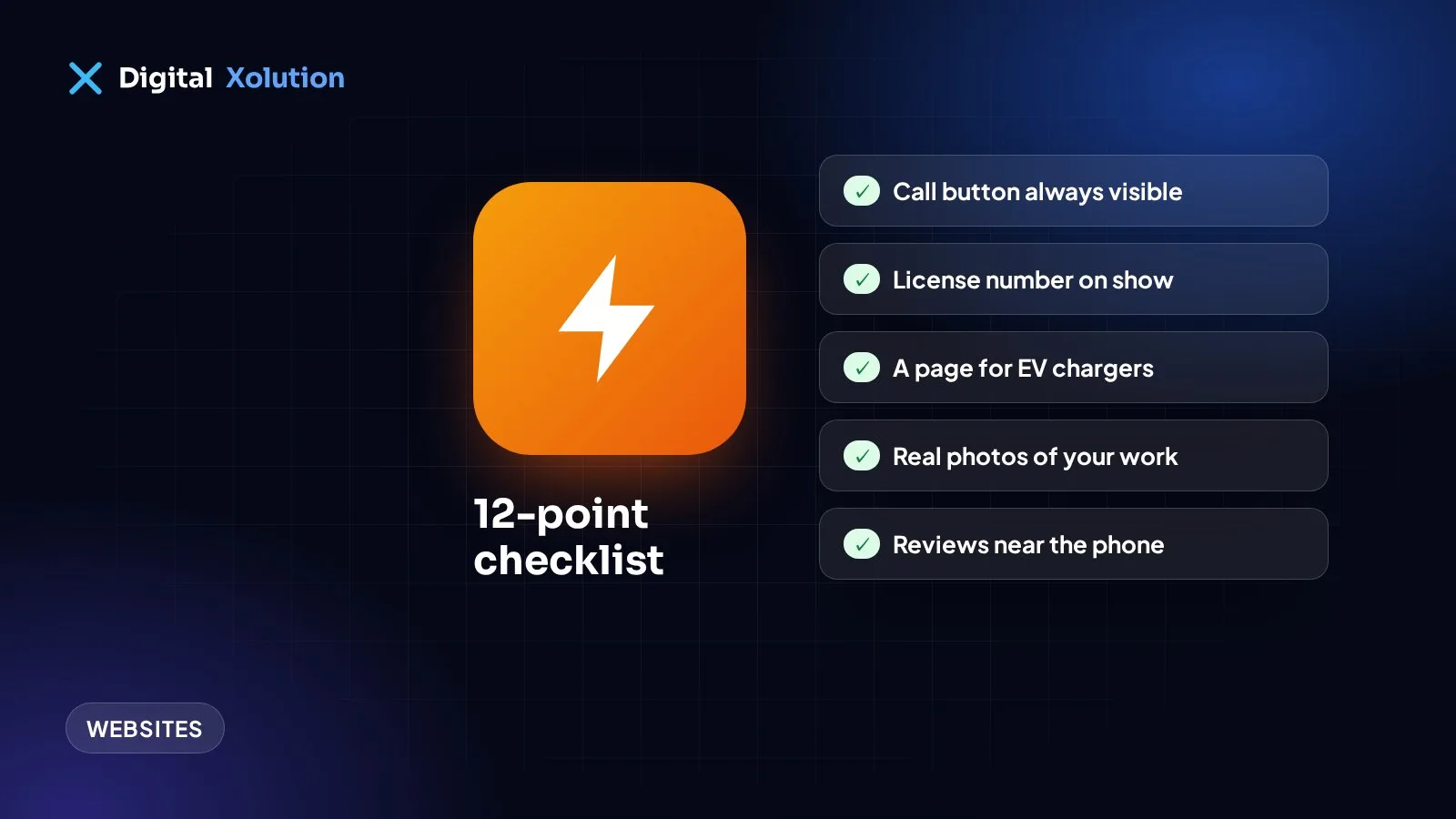
People look for an electrician in two very different moods. Some have a problem right now: the power's out in half the house, or a breaker keeps tripping. Others are planning ahead: a panel upgrade, an EV charger, a kitchen remodel. A good electrician website works for both.
Score your site against these twelve points.
For the customer with a problem right now
1. A tap-to-call button that's always visible. On a phone, keep your number on screen as people scroll. Test it from your own phone.
2. Clear emergency information. If you take emergency calls, say so near the top, with your hours. If you don't, say that too, so nobody waits for a callback that won't come.
3. A simple safety note. A short line such as "If you smell burning or see sparks, turn off the power at the main breaker if it's safe, and call us" is useful and builds trust. Keep it brief and safe.
4. Fast loading on mobile. Someone with a power problem won't wait for a slow page. Check your speed with Google's free PageSpeed Insights, and start with oversized images.
For the customer comparing electricians
5. License and insurance details. Electrical work is licensed in most places. Show your license number and the areas it covers. It's one of the first things careful customers check.
6. Reviews that mention real jobs. "Replaced our panel and passed inspection first time" says far more than "Great service!" Put your Google rating and a few real reviews near your phone number.
7. Photos of your own work. Clean panel installs, neat wiring, your van and your team. Real photos show the quality of your work in a way stock images can't.
8. How you price. Explain whether you charge a service call fee, whether you quote before starting, and whether you offer financing for bigger jobs. Clear answers remove a reason to hesitate.
For bigger jobs and for Google
9. A page for each main service. Panel upgrades, EV charger installation, lighting, rewiring, generators and inspections each deserve their own page. Explain who it's for, what's involved, whether a permit is usually needed, and how to get a quote. Someone searching "EV charger installer near me" should land on exactly that page.
10. Pages for the towns you serve. Write about real local jobs rather than copying the same page with a new town name. Our guide to service area pages shows how.
11. A short quote form. Ask for name, phone, the job and the town, and let people upload a photo of the panel or the problem. Then make sure someone sees each request quickly. If your form is quiet, read why contact forms don't get leads.
12. Your Google Business Profile, matched to your site. Use the same name, address and phone number everywhere, and choose the right categories. Many electrical calls come straight from Google Maps.
Mistakes we see on electrician websites
- A homepage about the company, not the customer. Lead with what you fix and where, then tell your story.
- One "Services" page for everything. It makes you harder to find for high-value jobs like panel upgrades.
- No mention of permits or inspections. Customers worry about this, so explain how you handle it.
- Old photos and expired offers. They make an active business look closed.
How did you score?
- 10–12: strong. Keep adding reviews and project photos.
- 6–9: a few changes could bring in noticeably more calls.
- Under 6: your website is probably sending work to competitors.
See how other trades compare in our plumber and HVAC checklists.
Want a website that books more electrical work? See how we help home service businesses, take a look at our website design service, or get a free audit with a plain-English list of what to fix first.