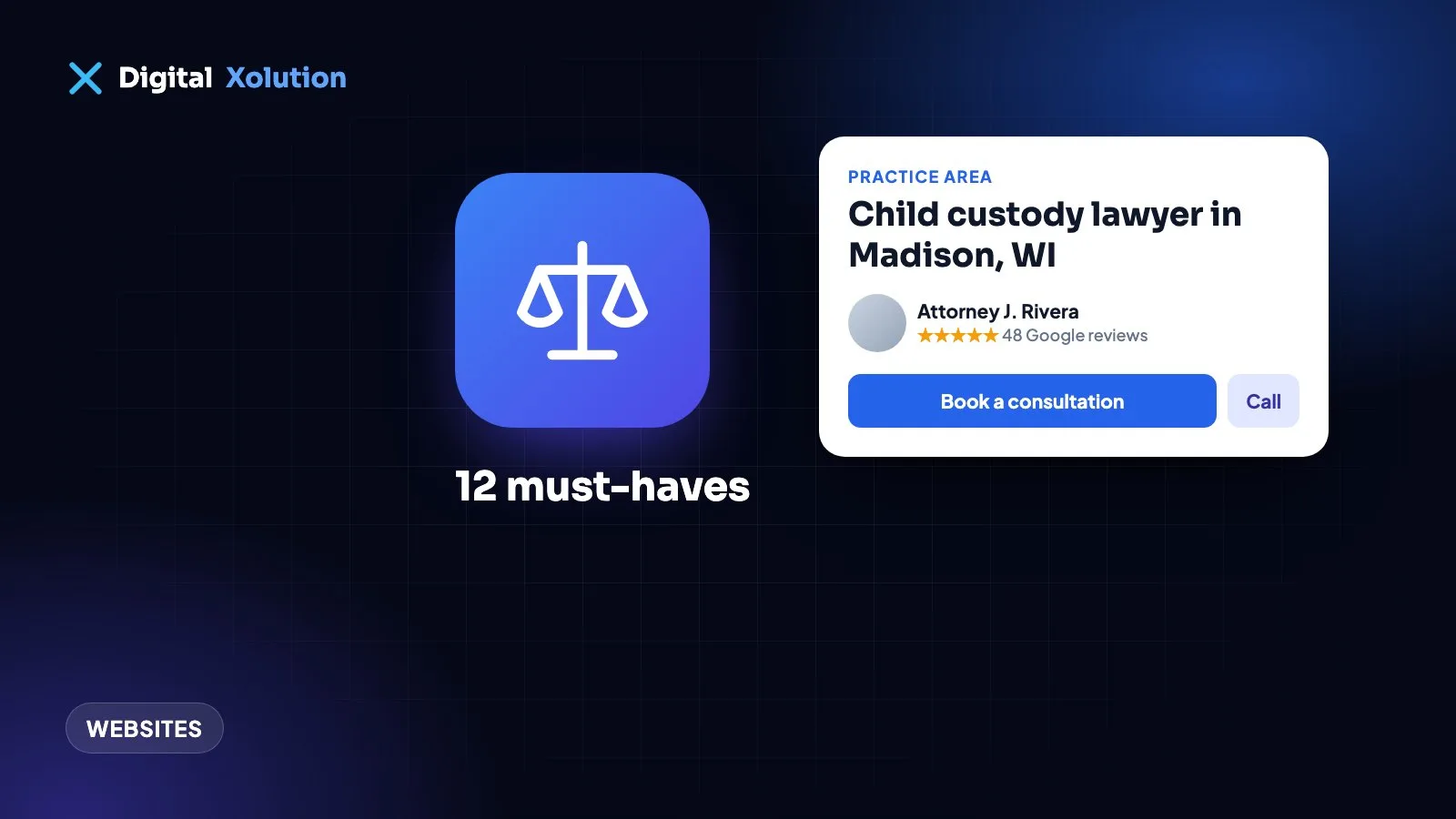
People rarely look for a lawyer casually. They're worried, often in a hurry, and comparing two or three firms on their phone. Your website has a few seconds to answer three questions: Do you handle my kind of problem? Can I trust you? How do I talk to someone today?
Here are 12 things every small law firm website should have, in order of how much they usually matter.
1. A clear headline about who you help
"Excellence. Integrity. Results." could be any firm. "Personal injury and workers' comp lawyers in Madison, WI" tells a visitor straight away that they're in the right place. Say what you do and where, in plain words, at the top of the home page.
2. A separate page for each practice area
One "Practice Areas" page with a list of bullet points doesn't help clients or search engines. Give each main area its own page: divorce, child custody, DUI, estate planning, business formation. On each page explain:
- the situations you handle, in the client's words
- what the process usually looks like
- what the first consultation involves
- common questions, answered plainly
These pages are also what Google shows when someone searches "child custody lawyer near me".
3. Contact options on every page
- A click-to-call phone number at the top of every page on mobile.
- A short contact form: name, phone, email, a few words about the matter. Long forms put worried people off.
- Your office hours, and what happens if someone contacts you after hours.
If you offer free or low-cost first consultations, say so clearly near the contact button.
4. Real attorney bios with real photos
People hire people. Each attorney page should have a professional photo, their practice areas, bar admissions, education, experience and a few sentences in their own voice about how they work with clients. Stock photos of gavels and handshakes don't build trust; real faces do.
5. Trust signals, used honestly
- Reviews from Google or other platforms, shown near the contact button.
- Memberships and recognitions that are real and current.
- Case results only where your state's professional rules allow them, with the disclaimers they require.
Check your state bar's advertising rules before publishing testimonials, results or words like "specialist" or "expert". Rules differ from state to state.
6. A fast, mobile-friendly site
Most people will find you on their phone. If the site takes more than a few seconds to load, many will go back and call the next firm. See our guide to why a slow website costs you calls.
7. Clear next steps
Tell visitors exactly what happens when they get in touch: "Call or send the form. We'll reply within one business day to arrange a 30-minute consultation." Uncertainty stops people contacting you.
8. Confidentiality and disclaimers
Add a short note near your contact form: sending a message doesn't create an attorney-client relationship, and visitors shouldn't send confidential details until you've agreed to work together. Keep a privacy policy that explains what you do with form submissions.
9. A strong Google Business Profile
For local searches, your Google Business Profile often appears before your website. Use the correct category, your real office address, opening hours and photos, and keep the details identical to your website. Our Google Business Profile guide covers the settings that matter.
10. Location pages, if you serve several areas
If you have offices or clients in several towns, a well-written page for each area helps you appear in those searches. Each page should say something useful about that area, not just swap the town name. Read more in service area pages for local SEO.
11. Helpful articles that answer real questions
"How long does a divorce take in Wisconsin?" or "What happens at a first DUI court date?" are exactly what potential clients search for. Short, accurate answers build trust and bring in visitors months later. Have an attorney check every article.
12. Accessibility
Your website should work for people who use screen readers, keyboard navigation or larger text. It's the right thing to do, and websites of businesses open to the public are increasingly the subject of accessibility claims. See our small business website accessibility guide.
Common mistakes we see
- A home page about the firm's history instead of the client's problem.
- No phone number visible on mobile.
- One generic page for every practice area.
- Contact forms that send emails nobody checks after hours.
- Outdated attorney pages listing people who have left.
Quick checklist
- Clear headline: what you do and where
- One page per practice area
- Click-to-call and a short form on every page
- Real attorney bios and photos
- Reviews and trust signals that follow your state's rules
- Fast on mobile
- Clear next steps after contact
- Confidentiality note and privacy policy
- Google Business Profile complete and matching
- Location pages if relevant
- Helpful articles, checked by an attorney
- Accessible to everyone
Want a website that brings in more consultations? See our work for law firms, or get a free website audit and we'll show you what to fix first.